
Quick Colour Change
27 July 2024

To make the template as flexible as possible and to allow each Place to have its own identity, we use a tranparent logo and colour variables within the coding to change all aspects of the main colours.
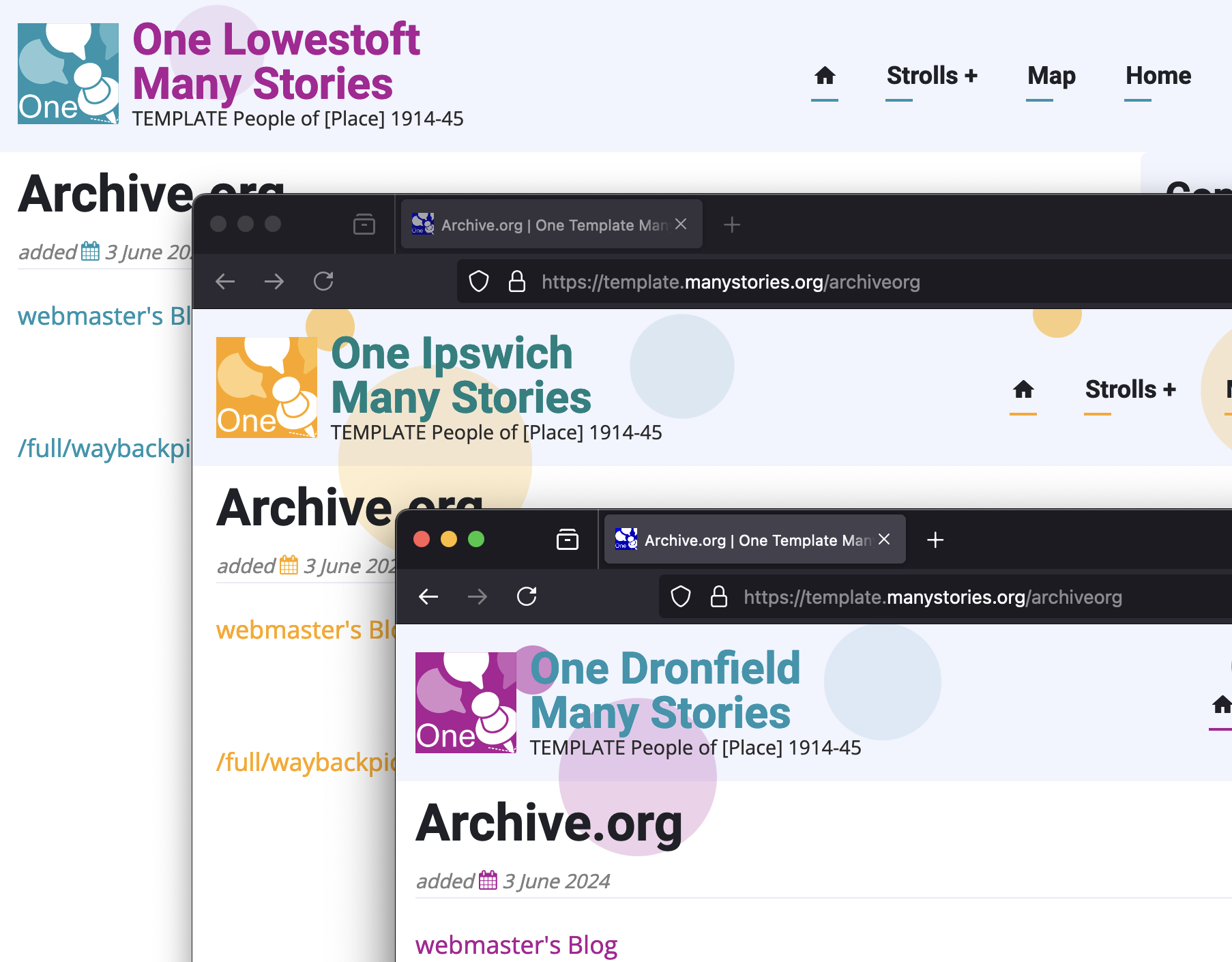
:root {--theme-color:Teal ;--theme-color-two:Purple ;}The above is the ONLY line of code we have to change for ALL colors (and tints of colour) to change throughout the site
/*ENDS SITE COLOURS*/
.site-logo {background-color: var(--theme-color);}
.site-branding a {color: var(--theme-color-two);}
.header-cicle1, .header-cicle2, .header-cicle3 {background-color: var(--theme-color);opacity: 20%;}
.header-cicle7, .header-cicle8, .header-cicle9, .header-cicle10 {background-color: var(--theme-color);opacity: 50%;}
.header-cicle4, .header-cicle5, .header-cicle6 {background-color: var(--theme-color-two);opacity: 10%;}
/*ENDS SITE COLOURS*/
Further reading
Add new comment